
Quick answer: use the official iOS listing, not an IPA mirror
The current iPhone route is the official Apple App Store listing for VPN & Security by Kaspersky. Open the listing from a supported region, confirm the developer and app details, then install through Apple rather than downloading an IPA from a mirror. The exact feature set, subscription screen and availability can vary by country.
Kaspersky for iPhone should not be described as the same full antivirus product offered for Windows or macOS. On iPhone, the official app is mainly a privacy, VPN and safe-browsing companion. If you need ongoing desktop protection, use the platform-specific Kaspersky guide that matches your computer instead of forcing an iPhone app to do a different job.
What Kaspersky for iPhone actually is
The phrase Kaspersky for iPhone is broader than one download button. The current official listing is named VPN & Security by Kaspersky, and its iOS help material describes a mobile security and privacy route rather than a universal desktop-style antivirus installer.
That distinction matters because iOS controls how third-party apps inspect the device and other applications. A Kaspersky iPhone app can provide supported privacy, browsing or VPN features, but it should not be presented as a promise that the phone receives the same scanning model as a Windows PC.
The app also belongs to an account and plan context. Some features may require sign-in, a subscription or an eligible Kaspersky plan. A store listing can change its name, screenshots, size, version or regional availability, so treat the live Apple listing and Kaspersky support route as the final source.
If your real goal is Kaspersky VPN on an iPhone, use the existing VPN guide for plan limits and connection troubleshooting. This new page stays focused on the broader iPhone app decision so it does not compete with the dedicated VPN download intent.
Where to download Kaspersky on an iPhone
Start with the official Apple App Store listing linked at the top of this page. The App Store is the stable distribution path for the iPhone app; this site did not verify a permanent, token-free IPA URL and therefore does not publish one.
Before tapping Get, check that the listing name, developer identity, icon, privacy information and compatibility match the Kaspersky app you intend to use. Do not rely on a search result that redirects to an IPA archive, a modified profile or a page promising an activated iPhone package.
If the listing is unavailable, shows a different subscription or reports that the device is unsupported, stop and use the official Kaspersky support route. Region, account, iOS version and product availability can change the screen shown after the handoff.
Step by step: install and set up the official iOS app
Use this order when you want a clean, verifiable Kaspersky iPhone installation.
1. Confirm the iPhone and iOS version
Check the iPhone model and the iOS release in Settings before opening the store. The checked listing required iOS 16.0 or later, but the live requirement can change.
2. Open the official App Store listing
Use the button on this page or search the exact app name in Apple’s App Store. Confirm the developer and listing details before installing; do not select an IPA mirror or a configuration profile.
3. Install and review permissions
Install through Apple, read the permission and privacy prompts, and enable only the features you understand. A VPN or browsing protection prompt is different from a full-device antivirus scan.
4. Sign in with the correct account
Use the Kaspersky account that owns the subscription or entitlement. If the app offers a trial or plan screen, compare it with your existing Standard, Plus or Premium account before purchasing again.
5. Test the feature you actually need
Confirm that the app opens, the selected privacy or browsing feature reports the expected state, and the phone can still use normal networks. If something is wrong, record the exact message before reinstalling.
Choose the right Kaspersky route for your device
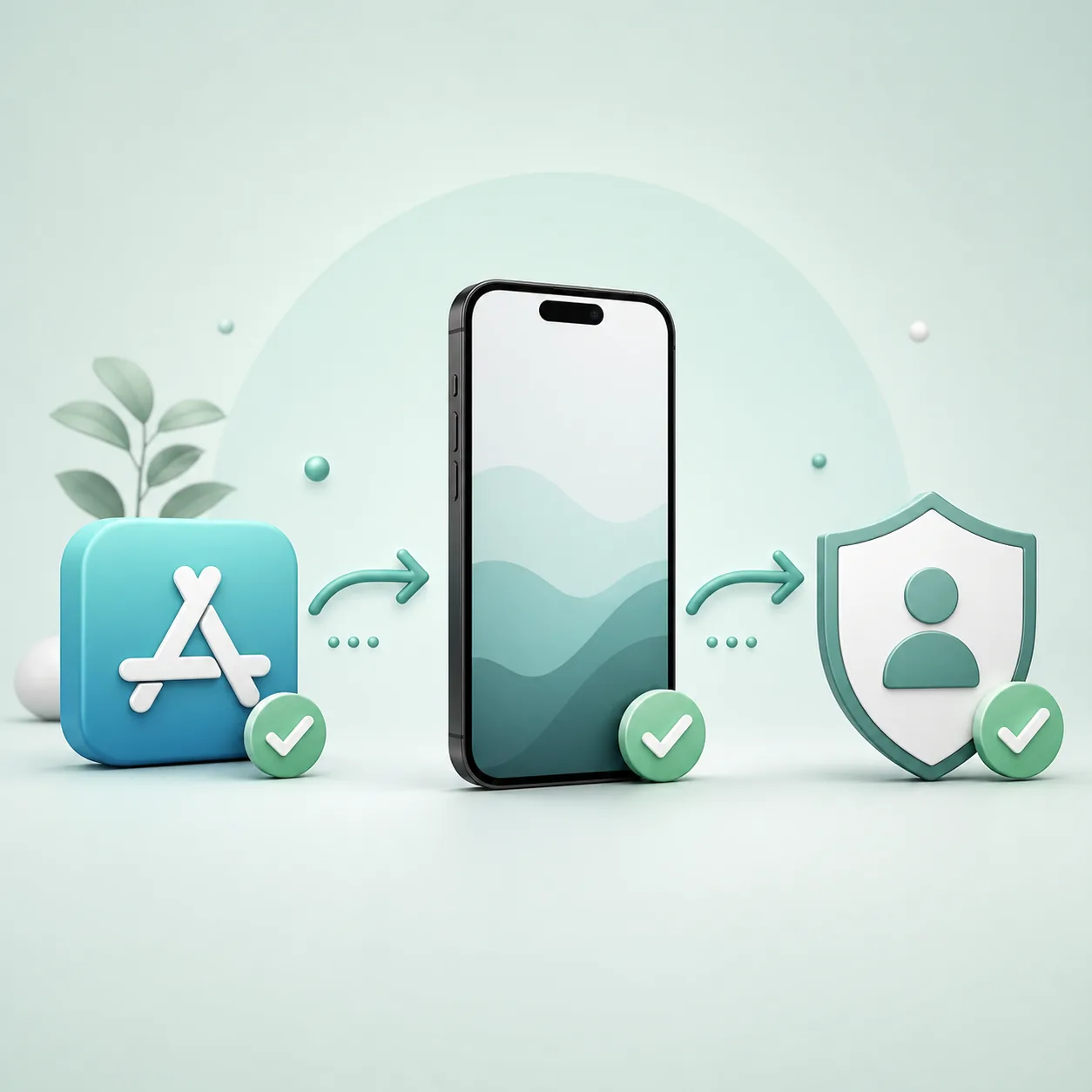
A platform word in a search query is not enough to identify the right product. Use the table to separate the iPhone app from the desktop download pages and the dedicated VPN guide.
The iPhone page is for the official iOS app and its safe setup boundaries. It does not host a mobile installer, publish a license key or replace the account and plan rules shown by Kaspersky.
When your device or goal changes, follow the corresponding internal guide instead of installing a package that was built for another platform.
| Situation | Recommended route |
|---|---|
| iPhone or iPad privacy app | Use the official Apple listing and the iOS support instructions on this page. |
| Mac protection | Open the Kaspersky for Mac guide and confirm macOS and Apple-silicon compatibility. |
| Android phone | Use the Kaspersky Android guide and its regional store or account handoff. |
| Windows or desktop antivirus | Choose Standard, Plus, Premium or the relevant legacy migration page for the computer. |
| VPN plan or connection problem | Use the existing Kaspersky VPN guide; do not turn the iPhone page into a duplicate VPN article. |
Common Kaspersky iPhone download and setup problems
The visible error usually tells you whether the issue is the store, device, account, plan or network. Capture it before trying another download source.
| Problem | What to check |
|---|---|
| The app does not appear in the App Store | Check the region, the exact app name and the current official support page. Do not switch to an IPA mirror just because a store result is unavailable. |
| The iPhone does not meet the requirement | Update iOS only through Apple when the device supports it. If the hardware cannot run the current app, use official support rather than installing an older modified package. |
| The app asks for a subscription | Sign in with the account that owns your plan and compare Standard, Plus or Premium entitlements. A new iPhone install should not automatically mean buying twice. |
| VPN or browsing protection will not connect | Check the network, account, permissions and plan status, then use the dedicated VPN guide for the connection-specific troubleshooting path. |
| You expected a full malware scan | Review the iOS feature description and the platform limits. Do not assume that an iPhone privacy app has the same scan surface as desktop Kaspersky. |
| A third-party site offers an activated IPA | Do not install it or share your Apple/Kaspersky credentials. Return to the official App Store listing and report the suspicious source if appropriate. |
Why this site does not provide an IPA or activation key
An iPhone package from an unknown mirror can be modified, revoked, bundled with a configuration profile or used to collect credentials. This site only links to the Kaspersky-owned support route and official Apple listing. Kaspersky decides regional availability, subscription access, feature behavior and supported versions.
Kaspersky for iPhone FAQ
Is there a Kaspersky antivirus app for iPhone?
The official iOS route is VPN & Security by Kaspersky, a mobile privacy and security companion. Do not describe it as the same full-device antivirus scanner used on Windows or macOS.
What is the official Kaspersky iPhone app called?
The App Store listing checked for this guide is named VPN & Security by Kaspersky. App names, versions and regional store details can change, so confirm the live listing before installing.
Which Kaspersky iOS version was checked?
The listing snapshot checked on August 10, 2026 showed version 2.108.0, updated June 26, 2026, with an approximate size of 540.5 MB. This is a dated verification, not a permanent promise.
Does Kaspersky for iPhone work on iOS 16?
The checked listing required iOS 16.0 or later. Read the live App Store compatibility field because Apple and Kaspersky can change the minimum supported release.
Can I download a direct Kaspersky IPA for iPhone?
This site did not verify a stable official IPA URL. Use the Apple App Store listing and do not install a preactivated, modified or profile-based package from a mirror.
Does Kaspersky VPN work on an iPhone?
The iOS app can expose VPN or privacy features, but plan, region, account and network behavior matter. Use the dedicated Kaspersky VPN guide for that narrower intent.
Can I use my existing Kaspersky account on iPhone?
Usually the correct account is the one that owns the subscription or entitlement, but the live app and local plan determine what is available. Sign in carefully and avoid creating a second account just to bypass a message.
Official sources checked
- Apple App Store: VPN & Security by KasperskyOfficial store listing used for the app name, version snapshot, size and iOS requirement.
- Kaspersky Support: Kaspersky for iOSKaspersky-owned support route for current iOS setup and feature guidance.